
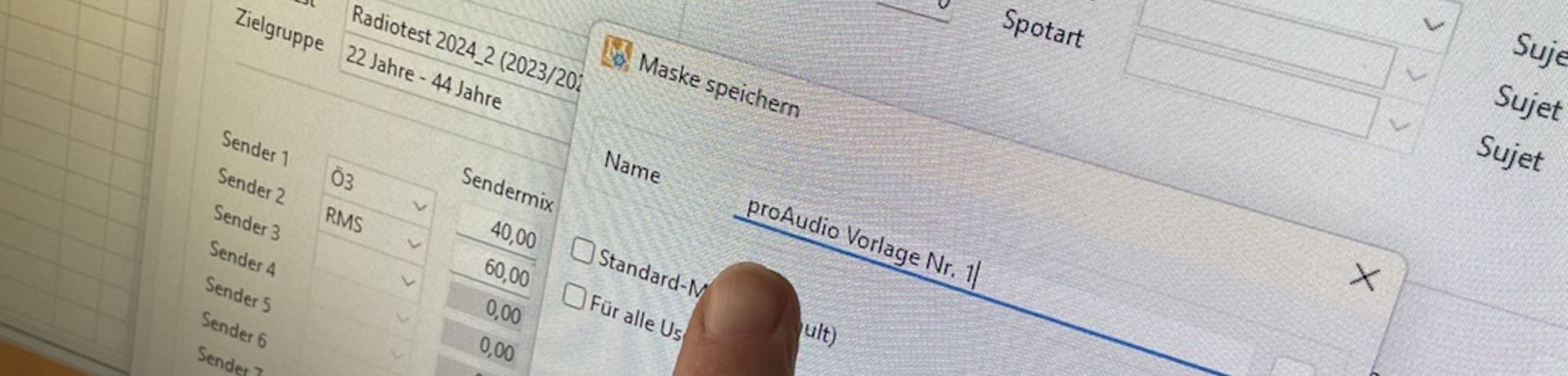
proAudio Feature: Save and Load Planning Setups
Part 6: Saving and Loading Planning Setups in proAudio
Anyone who regularly plans radio campaigns knows the challenge: many planning parameters remain the same over long periods of time. Target groups, stations, time zones, spot lengths, or reporting options often have to be entered again and again for every new campaign.
With the new "Save Mask Content" feature in LEADING Media proAudio, that repetitive work becomes a thing of the past.
The contents of the entire basic planning setup can now be saved and loaded again whenever needed. This allows frequently used planning configurations to be reused with just a few clicks, reducing manual effort and speeding up the planning process.
Which Data Can Be Saved?
The feature includes all parameters of the proAudio basic planning screen:
- Basic campaign settings such as campaign period, time zones, spot length, creative, stations, station mix, radiotest, target group, budget, planned GRPs and freespace calculation method
- Flights and time zones
- Break settings
- Reporting options, including the reference date for planning rates and CPM calculations
This allows frequently used planning setups to be created once and reused whenever needed.
Perfect for Recurring Planning Scenarios
Many agencies regularly work with similar campaign structures, station combinations or target groups.
Instead of entering the same settings over and over again, users can now load a saved setup with a single click. The required parameters are automatically applied and immediately available for further planning.
This not only saves time but also ensures consistent planning standards across the entire team.
In the following screencast, we demonstrate step by step how to save and load planning setups in proAudio.
Benefits at a Glance
- Less manual data entry
- Faster creation of new radio campaigns
- Consistent planning parameters across the team
- Reduced risk of errors
- More time for optimisation and client consulting
Especially for recurring radio planning scenarios, this small feature can make a noticeable difference in day-to-day work.
